Features
Everything you need to listen and learn
From on-device PDF parsing to AI podcasts, every part of Study App is built around long, technical reading.
Import anything
PDFs, articles and notes
Upload a PDF, paste a link or drop in text. Technical books with code, tables and figures are parsed on your device with headers, footers and citations skipped automatically.
Natural voices, word by word
25+ voices with live highlighting
Studio-quality AI voices read every sentence while each word lights up as it is spoken. Tap any sentence to jump there. Switch voices whenever you like.
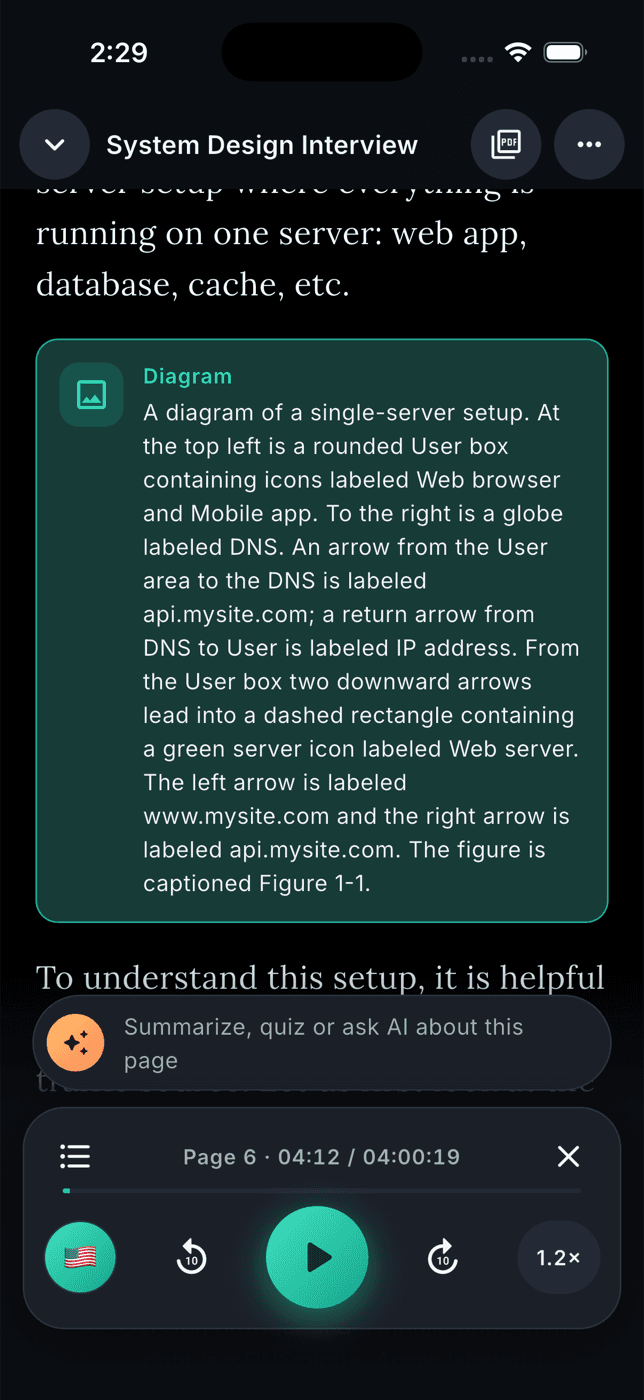
Diagrams & code, narrated
Vision AI describes what text can't
Flowcharts, architecture diagrams, charts and code blocks are described and read in place, so technical books finally make sense while you walk, drive or cook.
0.5× to 5× speed
Fine control and auto-ramp
Adjust playback in small steps, skip 10 seconds either way, set a sleep timer, and let the auto-ramp nudge the speed up as you get comfortable.
Offline & background
Download once, listen anywhere
Download whole documents for offline listening. Playback continues in the background with lock-screen controls, and never pauses your music unless you want it to.
AI study tools
Summaries, quizzes, podcasts, assistant
Summarise a page, chapter or the whole book. Quiz yourself with explained answers. Turn a chapter into a two-host podcast. Ask the assistant anything about what you are reading.
How it works
From import to insight
Add a document
Upload a PDF, paste a link or type text. Parsing happens on your phone in seconds, even for 700-page books.
Press play
Choose a voice and speed. Headers, footers and citations are skipped; figures and code are narrated in place.
Study smarter
Bookmark, highlight, search, download for offline, then summarise, quiz or podcast the chapter you just heard.
In the app
Screens that stay out of your way
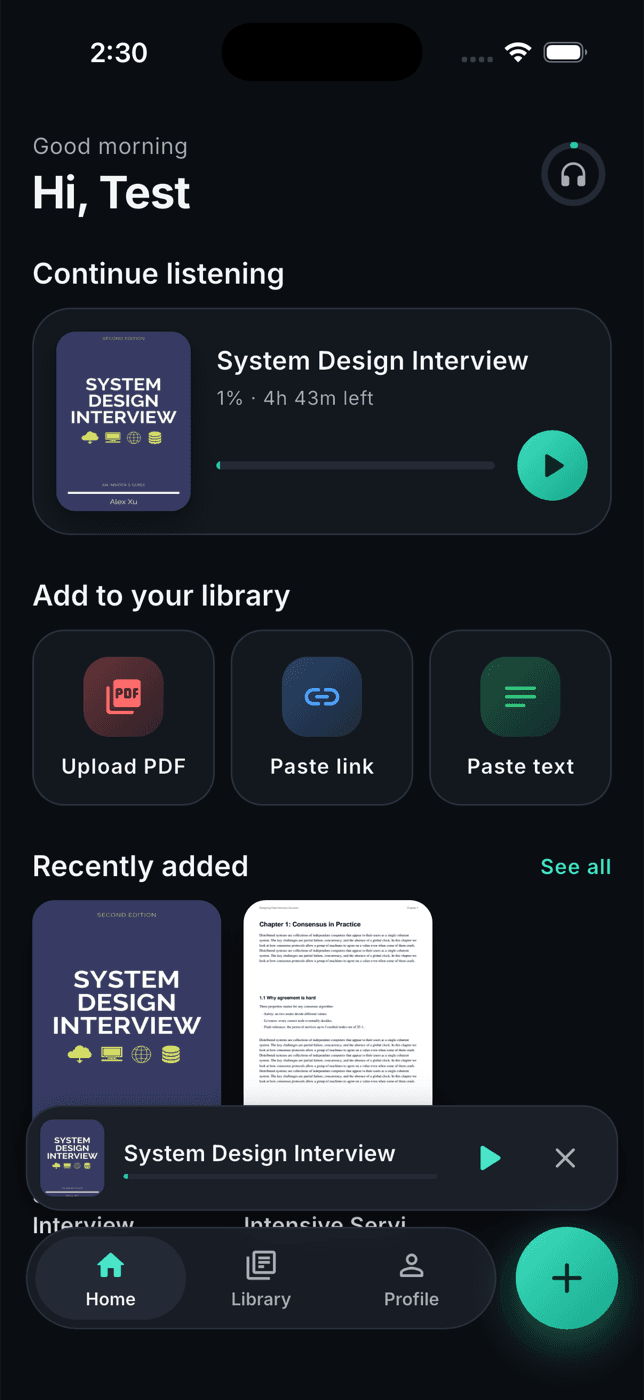
A home that keeps your place
Pick up where you left off, add a PDF, a link or text in one tap, and see what you added recently.
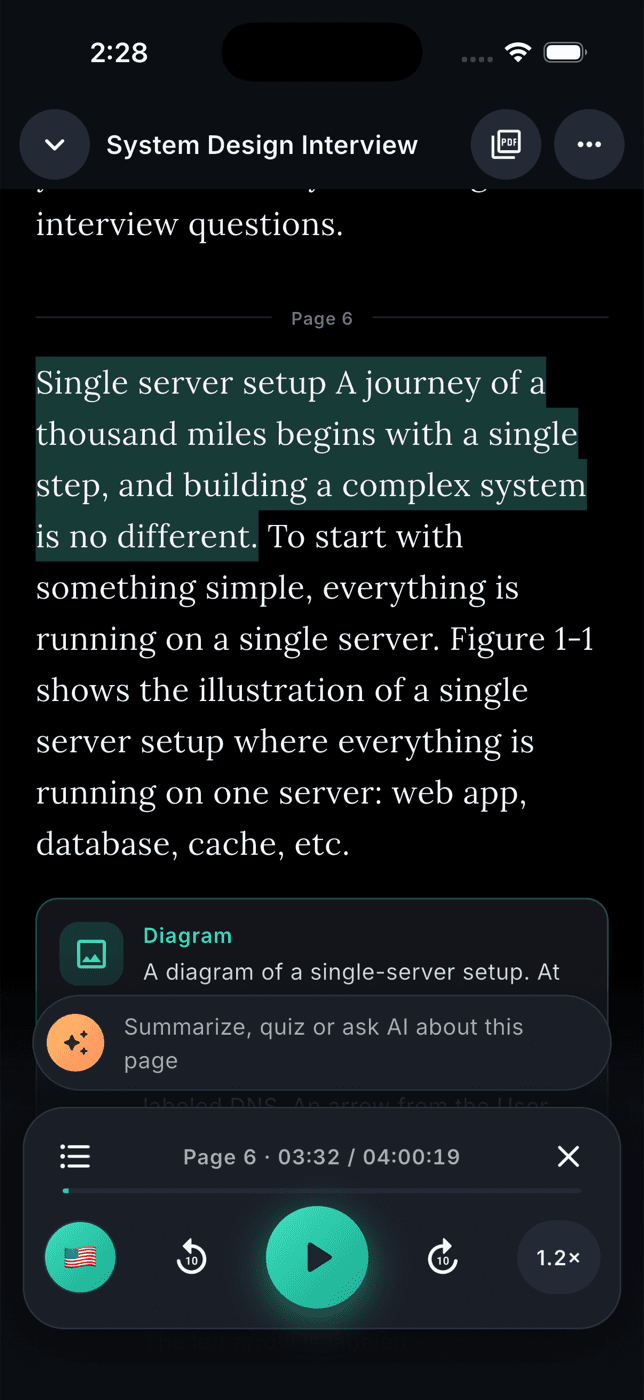
Reflowed text with live highlighting
Clean, readable text with every word lit as it's spoken. Tap any sentence to jump. Switch to the original page any time.
A player built for long reads
Skip 10 seconds, change voice or speed mid-sentence, set a sleep timer, and keep listening in the background.
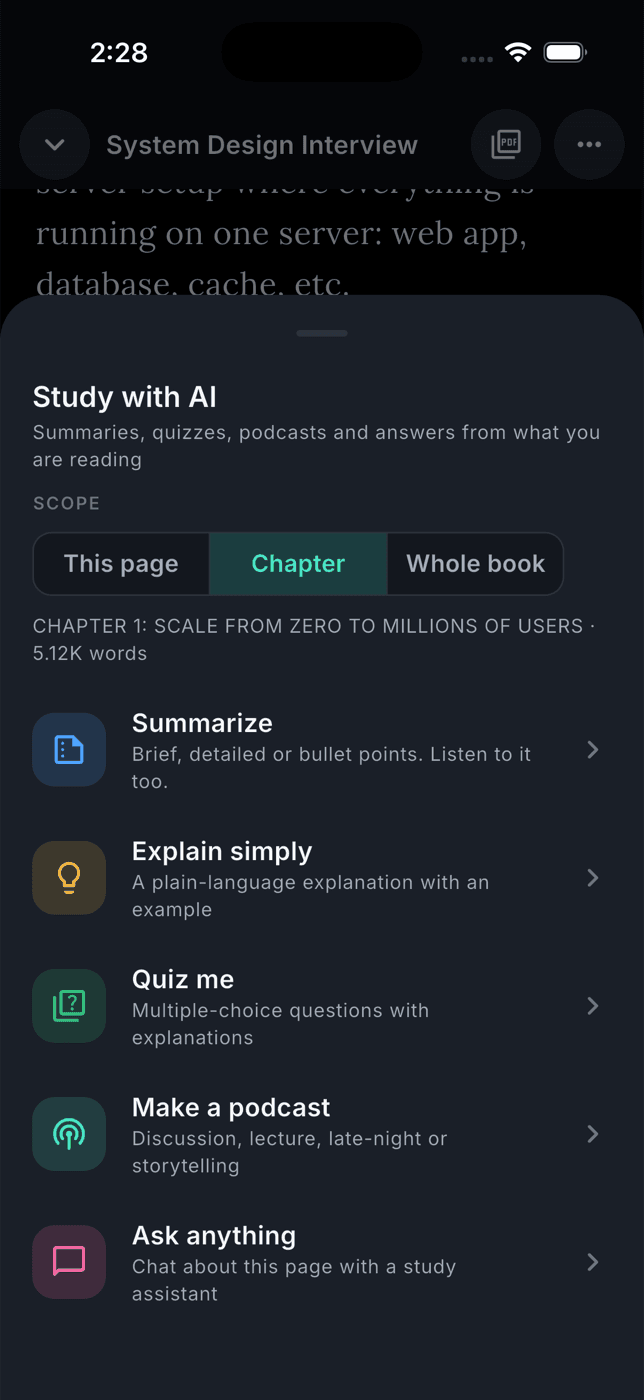
Study tools on every page
Summarise, explain simply, quiz yourself, generate a two-host podcast or ask the assistant about the page you're on.
Your reading list, finally finished.
Download Study App and start listening to the books you never had time to read.